
Work that repeats can happen by itself
Data entry, reminders, reports and documents happen automatically. We connect the software you already use, so data does not have to be re-typed from one to another.
Where working time disappears
In most companies a large part of the week goes on work that is the same every time: copying an order from an email into a spreadsheet, preparing an invoice, reminding a client of a deadline, collecting numbers for the monthly report.
Each step takes only a few minutes on its own. Together they add up to hours per week for every employee, and every time something is re-typed, a mistake can creep in.
Automation does not mean changing the whole company. We start with the one process that takes the most time today and turn it into a flow that runs by itself. Once it works, we move on to the next.
What can be automated
Data transfer between software
Orders from the website or email go into the system, from the system to accounting, from the spreadsheet into the report. No copying by hand.
Documents from data
Quotes, invoices, contracts and certificates are prepared automatically from client and order data.
Reminders and notifications
Emails, SMS or Telegram messages to clients and employees about deadlines, payments and status changes.
Reports and dashboards
Sales, workload, deadlines and costs in one self-updating dashboard instead of a monthly Excel spreadsheet.
Imports and sync
Excel and CSV imports, bank statement processing, calendar sync, duplicate detection.
AI processing
Invoice and receipt recognition, email sorting, reply drafts and document classification with human approval.
How we approach automation
- We start with a free conversation to understand where time is lost and which process will pay off fastest.
- We use the software you already have wherever possible instead of making you change everything.
- Every automatic action that affects clients or money can go through an approval step.
- Flows have a log: you see what happened, when and why.
- You pay for delivered, working results, in stages.
- If needed, we add a custom system or an AI agent to the automation.
From conversation to a working solution
- 01
We get to know your company
In a free conversation we learn how you work and where time is lost.
- 02
We propose a solution
We show what to do first and what it will give you. We start with what pays off fastest.
- 03
Technical specification
Together we describe what the solution will do. You know what you are paying for.
- 04
Development in stages
You pay after each delivered stage, signed off with an acceptance certificate.
- 05
Rollout and support
We train your team, maintain the solution and develop it together with your company.
Completed projects
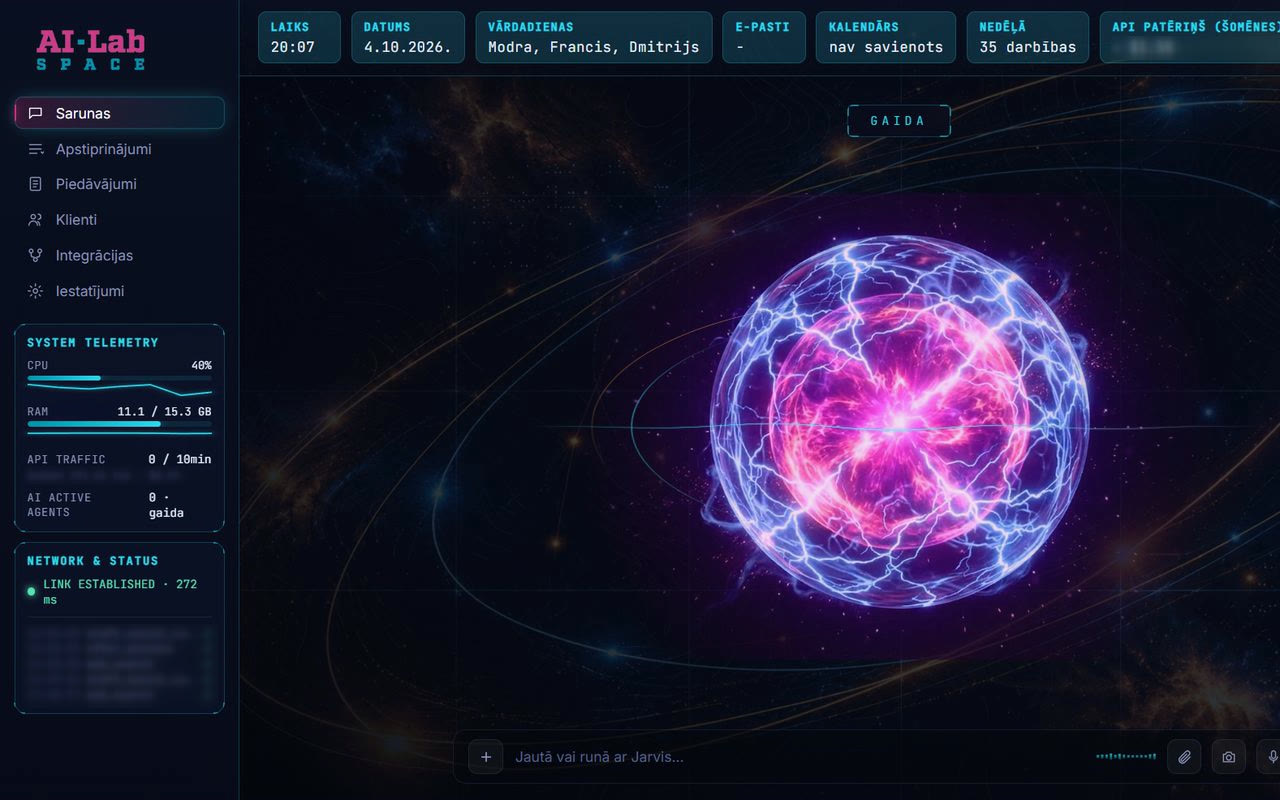
JARVIS
An AI agent for a company manager: emails, quotes, campaigns, calendar and enquiries in one window.
Read case study
Anabella Party
A rental website with bookings and delivery price calculation, backed by a full management system.
Read case studyIevas Saldumi
Orders in 30-minute time slots, Google Calendar sync, invoices and a daily production summary.
Read case studyFrequently asked questions
Where should automation start?
With the process that repeats most often and takes the most time. Often it is data entry, invoicing or reminders. We work it out together in the first conversation.
Do we have to change our current software?
Usually not. If the software has an API, an export or email notifications, it can be connected. If not, we suggest the simplest solution that replaces exactly that part.
Is automation safe?
Actions that affect clients or money can only run after approval. Access is restricted and every action is logged.
How much does automation cost?
It depends on the process. After the first conversation we prepare a quote with a specific scope and price, and you pay in stages after delivered results.
How do I know if it pays off?
The home page has a calculator that shows, from your own numbers, what manual work costs per year. It is a good starting point for the conversation.
Let's start with one process
The first conversation is free. If you like, first use the calculator on the home page to see what manual work costs you per year.