Video audit: how a short screen recording shows what to automate
A short screen recording of everyday work quickly shows where a process loses time. How to use a video audit to find what to automate, and where to start.
The problem: processes nobody has seen from the outside
Almost every company has tasks that everyone knows about but nobody has documented. Processing requests, preparing invoices, entering client data, compiling reports. They are done every day and they "just work". But when a manager asks how long it takes and where errors occur, there is usually no precise answer.
A classic process audit means interviews, meetings and long spreadsheets. It takes time, and the result is often a description of how the process should work, rather than how it actually works. In a meeting, an employee describes three steps, but in reality they open five programs, copy the same data twice and also check their email to find missing information.
These small, invisible actions are exactly where automation delivers the greatest benefit. They just have to be spotted first.
What it looks like in a company
Consider a typical situation in a company where requests arrive by email:
- a client sends a free-form request, sometimes with an attachment, sometimes without;
- an employee reads the email and copies the client's data into an Excel spreadsheet;
- then the same data is entered into the accounting software or CRM;
- a quote or invoice is prepared, saved as a PDF and sent back;
- finally, the employee marks the task as done in the spreadsheet.
From the outside it looks like a single task. But if you look at what happens on the screen, you can see switching between windows, searching through earlier emails, manual retyping and checking whether the client has already been entered in the system. None of these steps is difficult, but together they form a routine that repeats many times a week.
The problem is that employees themselves no longer notice these steps. They have become habit.
The solution: a short video audit
A video audit is a simple way to see a process as it really is. The idea is borrowed from the short video formats many people know from TikTok and similar platforms: a short, focused recording that shows one specific action from start to finish.
How it works in practice:
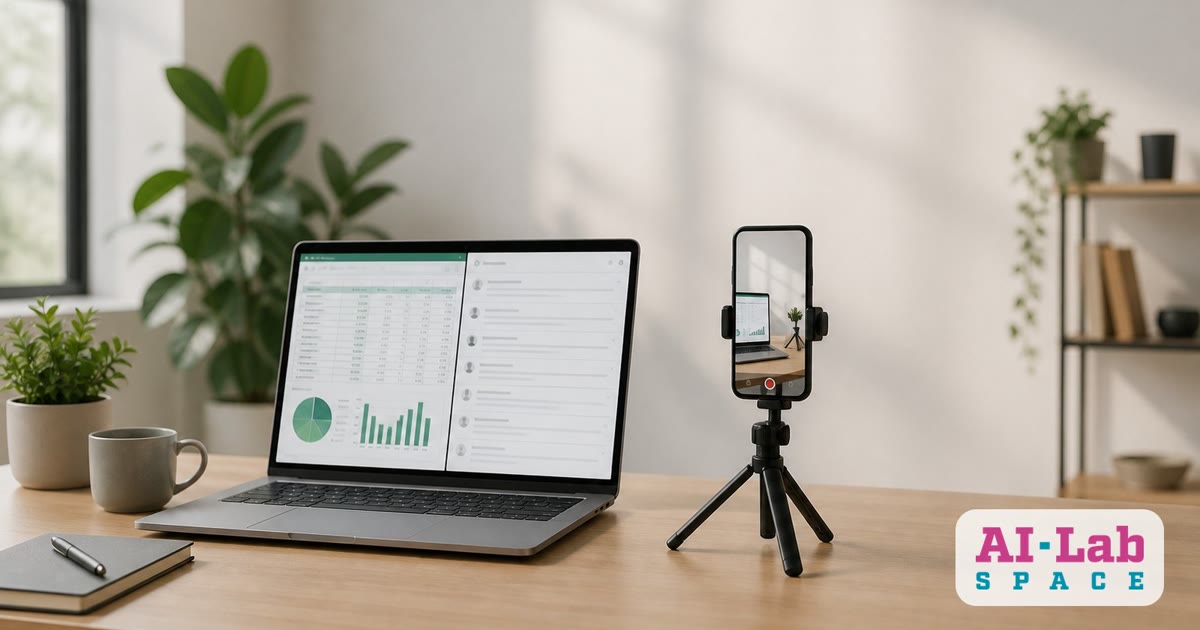
- An employee records their screen while performing one typical task, for example processing one request. A few minutes is enough.
- During the recording they explain out loud what they are doing and why: "now I'm looking for the client in the spreadsheet", "here I'm copying the address", "I check this because there are sometimes errors".
- An AI tool turns the recording into text and produces a list of steps showing each stage of the process.
- Together we analyse the steps and mark where data is copied, where there is waiting, where manual checks happen and where errors occur.
The result is not an abstract process map but a picture of real work. It is immediately clear which steps are necessary and which can be handed over to a system.
Before: a request arrives by email, data is copied manually into a spreadsheet and the accounting software, the quote is prepared by hand, and the status is marked in the spreadsheet.
After: the request arrives in a standard form or is read automatically from the email, an AI agent extracts the client's data and enters it into the CRM, the system prepares a draft quote, and the employee simply checks and sends it. The status updates automatically.
It is important to note that a video audit is not a monitoring tool. It is not meant to evaluate employees. It is meant to understand the process and free people from work they should not have to do.
What it delivers
A video audit is quick, inexpensive and very specific. It offers several practical advantages:
- The real workflow becomes visible. The recording shows even those steps nobody would remember to mention in an interview.
- Fewer meetings. Employees record the video at a time that suits them instead of spending hours explaining the process.
- A clear starting point for automation. Once the steps are listed, you can say exactly which are suitable for automation and which require a human decision.
- A shared language in the team. The manager, the employee and the technical implementer watch the same recording and talk about the same process.
- Ready-made training material. The recording can also be used to onboard new employees or as a comparison after the process has been improved.
Another advantage is that a video audit lets you start with a small step. There is no need to transform the whole company. One process, one recording and one clear improvement are enough.
Where to start
If you would like to try a video audit in your company, proceed as follows:
- Choose one process that repeats often and that employees find tiring. Usually this is request processing, invoice preparation or data entry.
- Ask one employee to record their screen while doing the task and to explain what they are doing at the same time. An ordinary screen recording tool on the computer is enough.
- Review the recording together. Write down each step and mark where data is copied, where there is waiting and where errors occur.
- Find one step to automate first. It could be reading data from email, automatic entry into the CRM or preparing a draft document.
- Record the process again after the changes. Comparing the two videos will show clearly what has changed.
AI-Lab Space helps companies carry out such process audits, evaluate the recordings and build automation solutions that match real work rather than a theoretical description. If you have a process that takes too much time, start with one short recording. Often the very first video shows where the greatest opportunity for improvement lies.