Orders in one place, stock in another? Warehouse automation
How to connect online shop orders with warehouse stock so nobody has to retype data from emails into Excel, and so that there are fewer errors.
The problem: orders in one place, stock in another
An online shop's order volume grows, but the workflow stays the same as it was at the start. An order arrives by email or appears in the shop's admin panel, someone reads it, retypes it into an Excel spreadsheet, checks whether the item is in stock, and then reduces the stock level by hand. While this is going on, the same item can still be sold again on the website.
Usually this is not one person's fault. It is a system problem: data lives in several places, and each one is updated separately, by hand.
What it looks like in a company
Take a typical situation. In a company where orders come in by email and through the shop system, an employee opens the mailbox in the morning and looks at the new orders. Each one is copied into a spreadsheet: customer name, address, items, quantity. The warehouse employee receives this spreadsheet later, often already out of date, and starts picking.
This causes several everyday problems:
- Stock levels do not match reality. The item appears to be available in the shop, but it is no longer on the shelf.
- Retyping errors. A wrong quantity, a swapped item number or an incorrectly copied address.
- Duplicated work. The same information is entered two or three times.
- The manager cannot see the big picture. To find out what has to be shipped today and what is about to run out, they have to ask colleagues or search through files.
- Dependence on one person. If that employee is ill or on holiday, the process falls apart, because only they know how the spreadsheet is organised.
None of this is dramatic on any single day, but taken together it costs time, nerves and sometimes customer trust.
The solution: an order updates stock by itself
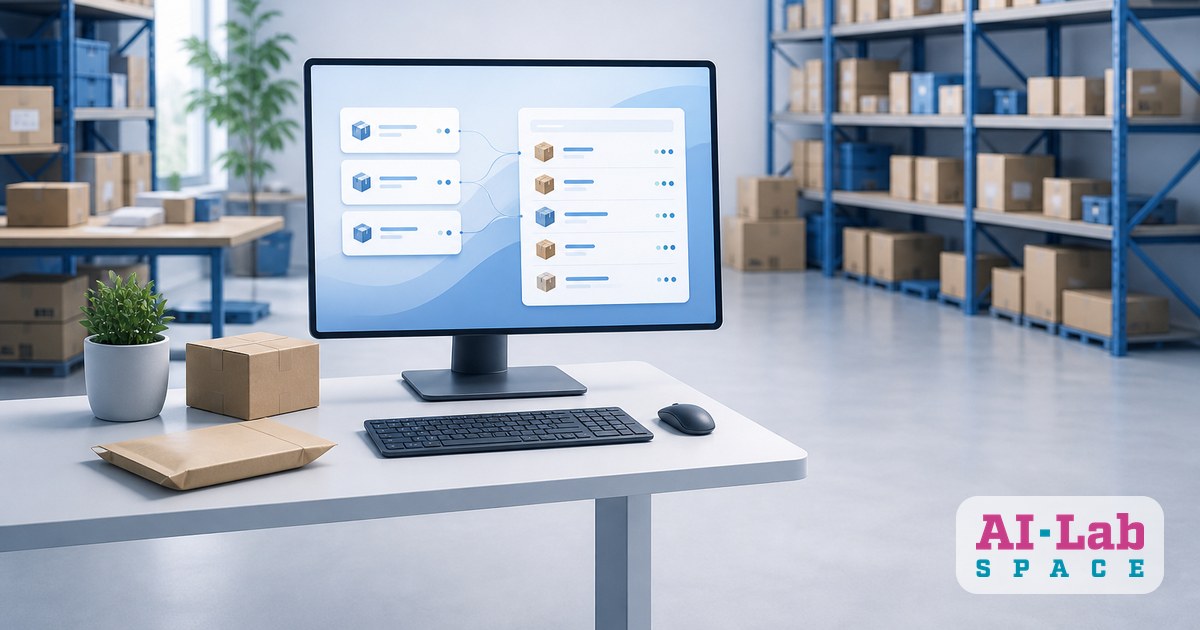
The basic idea is simple: an order is entered once, and the system does everything else on its own. In practice this means an automated flow between the online shop, the warehouse list and stock records.
How it works, step by step:
- The customer places an order in the online shop.
- The system automatically creates a record in the warehouse list with the items, quantities and delivery details. No retyping from emails into Excel.
- Stock updates immediately. If an item is reserved or sold, this is reflected everywhere that customers and employees can see it.
- Low stock alert. When an item is running low, the person responsible receives a notification instead of hearing about it from an unhappy customer.
- Statuses move along with the process. Picked, shipped, delivered - and the customer is notified without any extra manual work.
Such a flow can be put together from existing tools: the shop platform, a spreadsheet or a simple company system, and automation connections. Often you do not need to change everything, you just need to connect what you already have. Where judgement is needed, for example a non-standard order or an email with a special request, an AI agent can help by organising the incoming text and passing it to the responsible person already prepared.
We use automation in our own daily work, so we know that what works best is not big changes but repeatable steps converted gradually.
What you gain
Once the order and stock process is connected, the benefits show up quickly:
- An order updates stock by itself. Nobody has to remember to go and update the spreadsheet, because it happens automatically.
- Fewer retyping errors. Data is entered once, so there is less chance of mixing something up.
- The manager sees the big picture. Instead of phoning around and searching, a single dashboard shows how many orders are waiting, what has been picked and which items will soon run out.
- The team works more calmly. Employees no longer spend their mornings copying data, and can focus on picking, customer communication and improvements.
- Easier growth. If orders increase, the process does not break down, because it does not depend on manual retyping.
Where to start
You do not need to build a large system straight away. Start with a small but clear review:
- Map the order's journey. From the moment the customer clicks the button to the moment the parcel is shipped. Mark every place where someone retypes something by hand.
- Find the most frequently repeated step. This is usually copying the order or updating stock. It is the best candidate for the first automation.
- Define a single data source. Decide where the true stock information will be kept, and make sure all other tools take their data from there.
- Start with one flow. For example, so that a new order automatically lands in the warehouse list. Once that works, add stock updates and notifications.
- Involve the team. The people who pick items every day know where the process goes wrong, and their feedback is more valuable than any theory.
If this topic is relevant for your team, save this article so you can come back to it when planning your next steps.
AI-Lab Space